Incheon Airport Internet: 3 Easy Ways to Stay Connected
Quick Summary
- Instant Connectivity: Forgot to prep your internet setup before your flight? You can easily hop on Incheon Airport’s free Wi-Fi upon landing to purchase an eSIM online, or grab a physical SIM at the 24/7 roaming counters.
- Match Your Itinerary: Choose an eSIM for sheer digital convenience, a physical USIM to secure a local ‘010’ phone number (mandatory for popular restaurant waitlists), or a Pocket WiFi to keep the whole family online on a tight budget.
- Crucial Tech Reminders: Always confirm your smartphone is carrier-unlocked before departure. If you use an eSIM and hit a temporary glitch, absolutely never press “Delete Cellular Plan” (you won’t be able to recover it). Finally, don’t forget to return your Pocket WiFi at the designated desk before heading through the departure gates.
As you finalize your packing list, securing a reliable internet connection is usually the biggest stressor. The single most common search query for travelers waiting at the baggage carousel is precisely this: can I buy Korea eSIM after arrival? The answer is a massive yes. South Korea is deeply hyper-connected, and sorting out your mobile data right at Incheon Airport takes just a few minutes.
Because Incheon International Airport offers free, fast public Wi-Fi, you can actually purchase and activate digital data plans while waiting for your suitcase to drop onto the belt. (If a long immigration line worries you more than data, our guide to bypassing Incheon Airport queues via the Seoul Station City Airport Terminal covers that too.) But with several hardware options available, picking the right setup depends entirely on your specific travel habits. Let’s break down the big three connectivity choices for navigating Seoul and beyond.
Quick Navigation
1. eSIM at Incheon Airport: The Solo Traveler’s Dream

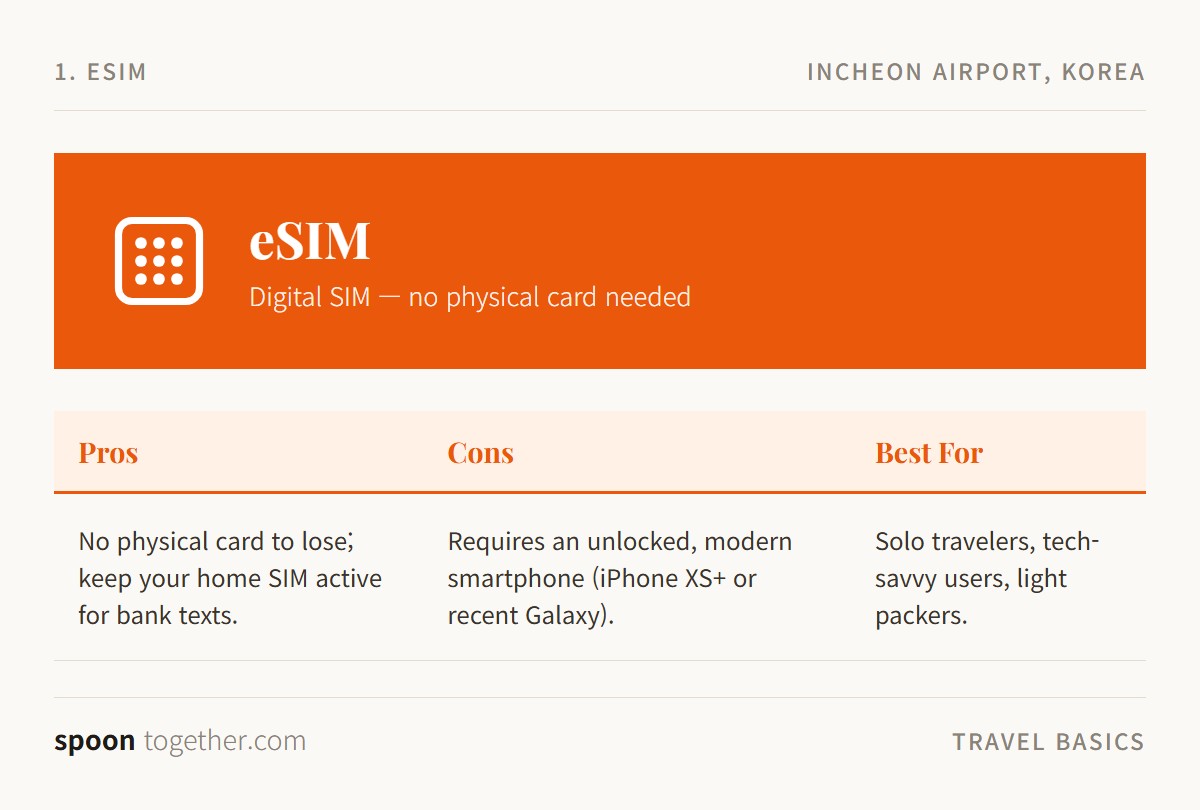
💰 Price: ~18,000 KRW (3 days) / ~27,500 KRW (5 days)
🎫 Where to Buy: Online travel platforms (via Incheon Airport Free Wi-Fi)
🚇 Supported Routes: Nationwide 4G/5G Coverage (Requires unlocked iPhone XS or newer / recent Galaxy)
The eSIM is essentially a digital profile you download directly to your phone via a QR code. This setup allows you to keep your home country’s physical SIM card securely inside your device, which is highly practical if you need to receive credit card authentication texts while traveling.
Current pricing for an eSIM—and standard physical USIMs—averages around 18,000 KRW for a 3-day pass, 27,500 KRW for 5 days, and 38,500 KRW for 10 days. These specific packages typically grant 3GB of high-speed data per day, followed by unlimited throttled data. You can buy an eSIM online through major travel platforms using Incheon Airport’s Wi-Fi. Once the QR code hits your email inbox, scan it under your smartphone’s ‘Cellular’ settings to instantly activate the local network.
However, hardware limitations apply. Your phone must be officially carrier-unlocked by your home provider. The device also needs to support the technology; generally, you need an iPhone XS or newer, or a recent Samsung Galaxy model. Furthermore, the heavily discounted online eSIMs are usually data-only. Finding the best eSIM for Korea with local phone number included requires a bit more digging in the product descriptions, as those specific profiles are slightly rarer and cost a premium.
If your data connection suddenly drops while walking around the city, try restarting your phone or briefly toggling Airplane Mode. Absolutely never tap “Delete Cellular Plan” in your settings. Once a downloaded eSIM profile is deleted, the original QR code is permanently voided, forcing you to purchase a brand new one.
2. Physical USIM: The Foodie’s Secret Weapon
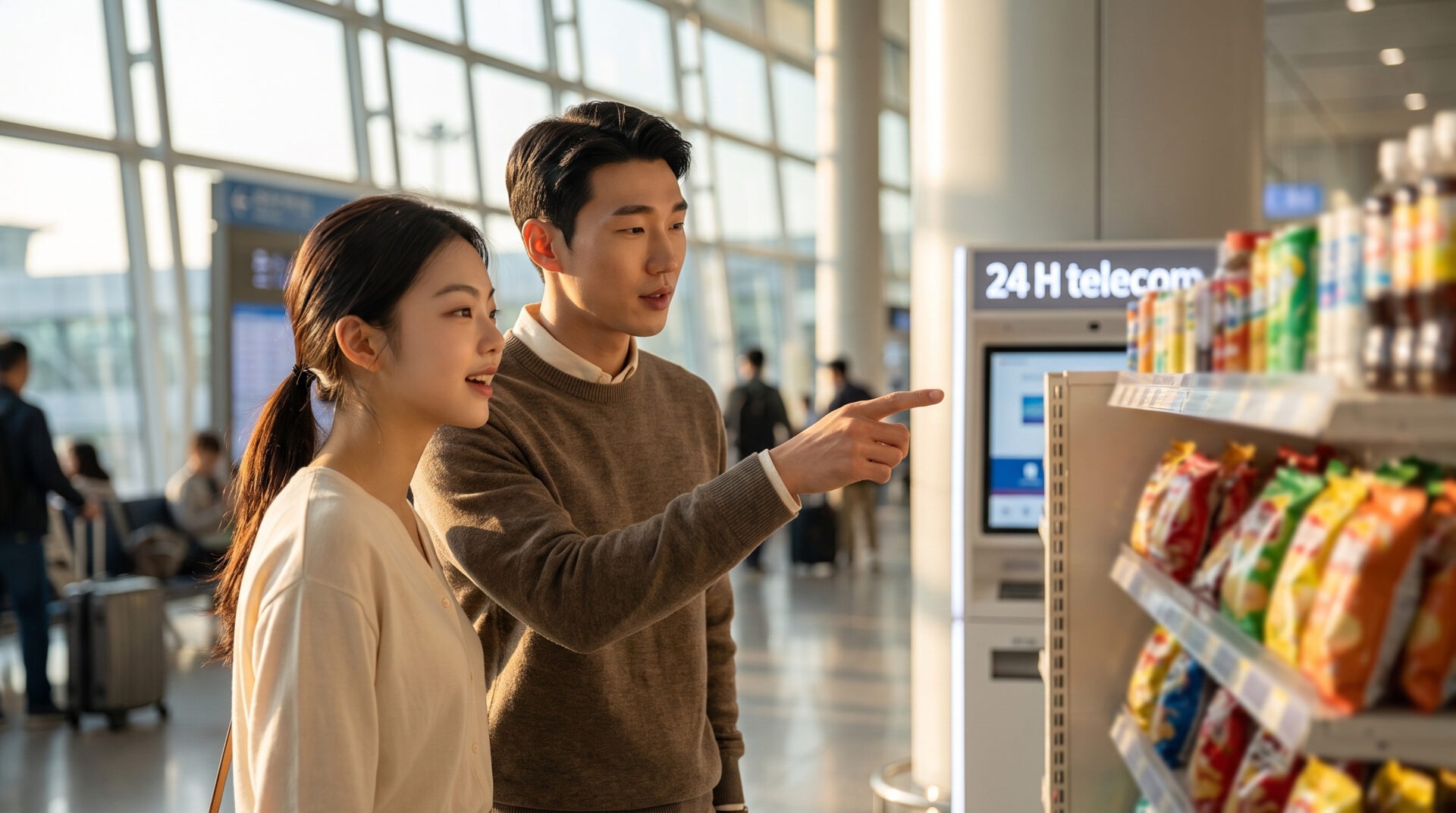
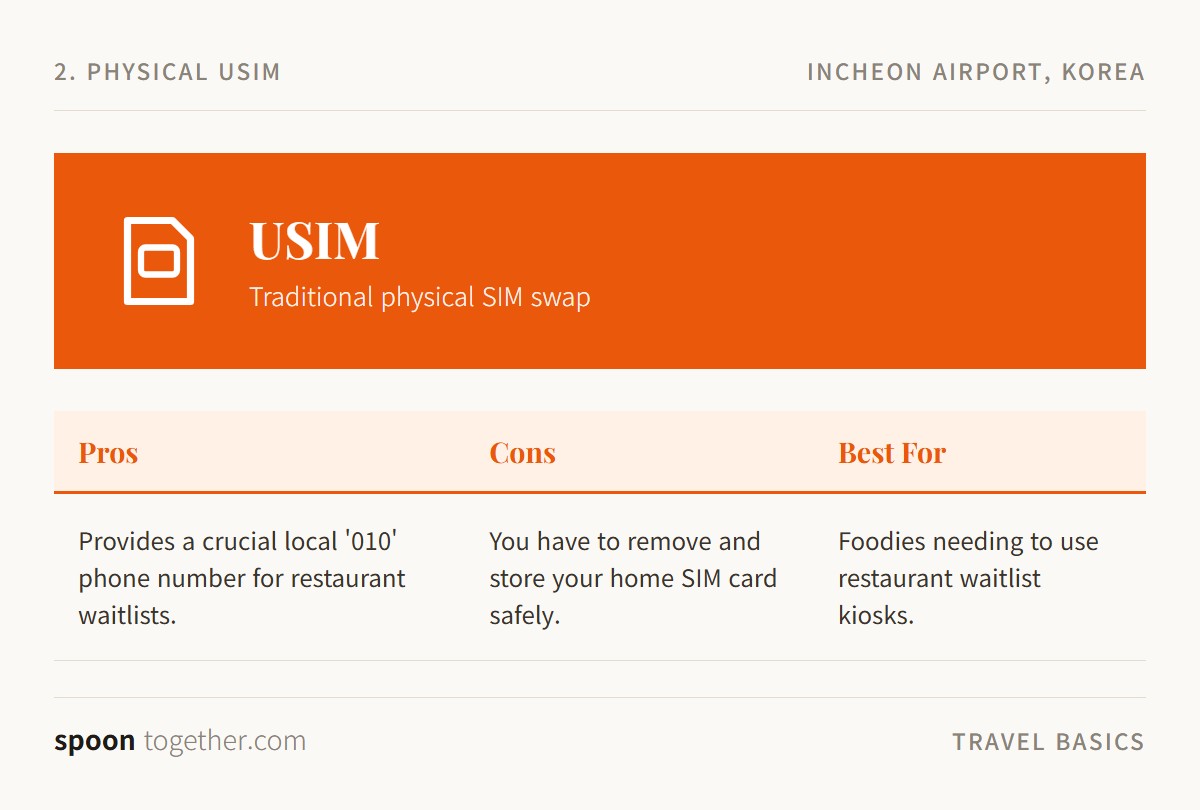
💰 Price: ~27,500 KRW (5 days unlimited data)
🎫 Where to Buy: 24/7 Telecom Counters (KT, SKT, LG U+) & Airport Convenience Stores (CU, GS25)
🚇 Supported Routes: Nationwide 4G/5G Coverage (Provides ‘010’ local phone number)
A traditional physical SIM card involves physically swapping out your home carrier’s chip. You can reserve these online for airport pickup or simply walk up to the official 24/7 telecom counters—operated by KT, SKT, and LG U+—located straight across the arrivals hall.
Alternatively, airport convenience stores like CU and GS25 stock them right by the registers. Keep in mind that convenience-store SIMs are self-service: unlike the staffed telecom counters, you’ll need to register the card yourself online (usually via a QR code and your passport number) rather than having it activated on the spot, so budget a few extra minutes if you go this route.
Prices mirror the eSIM market, costing around 27,500 KRW for 5 days of unlimited data. So why bother dealing with a physical plastic card?
If your itinerary revolves around eating at viral culinary spots in Seongsu-dong or Hannam-dong, you essentially need a physical USIM purchased directly from an official telecom counter. These specific SIM cards provide a local Korean phone number starting with the digits ‘010’. This 010 prefix is the only way to register your party on local digital waitlist kiosks like Catchtable or Tableling. If you plan on standing in a virtual queue for an acclaimed jjigae (thick stew) or a perfectly tender plate of suyuk, you will not be able to secure a table without that local number.
Receiving text messages and incoming calls on these cards is completely free. If you actually need to dial out, you will have to top-up the card with extra outgoing call credit. The only real downside is logistical: you have to carefully store your tiny home country SIM card somewhere safe so it does not get lost at the bottom of your luggage. Feeling overwhelmed by the tech setup and restaurant kiosks? Drop into our Spoon Lounge Discord to share tips and get advice from fellow Seoul-bound travelers who have already figured it out.
3. Pocket WiFi: The Group Budget-Saver
💰 Price: ~3,300 to 4,400 KRW per day
🎫 Where to Buy: Designated telecom rental desks at Incheon Airport
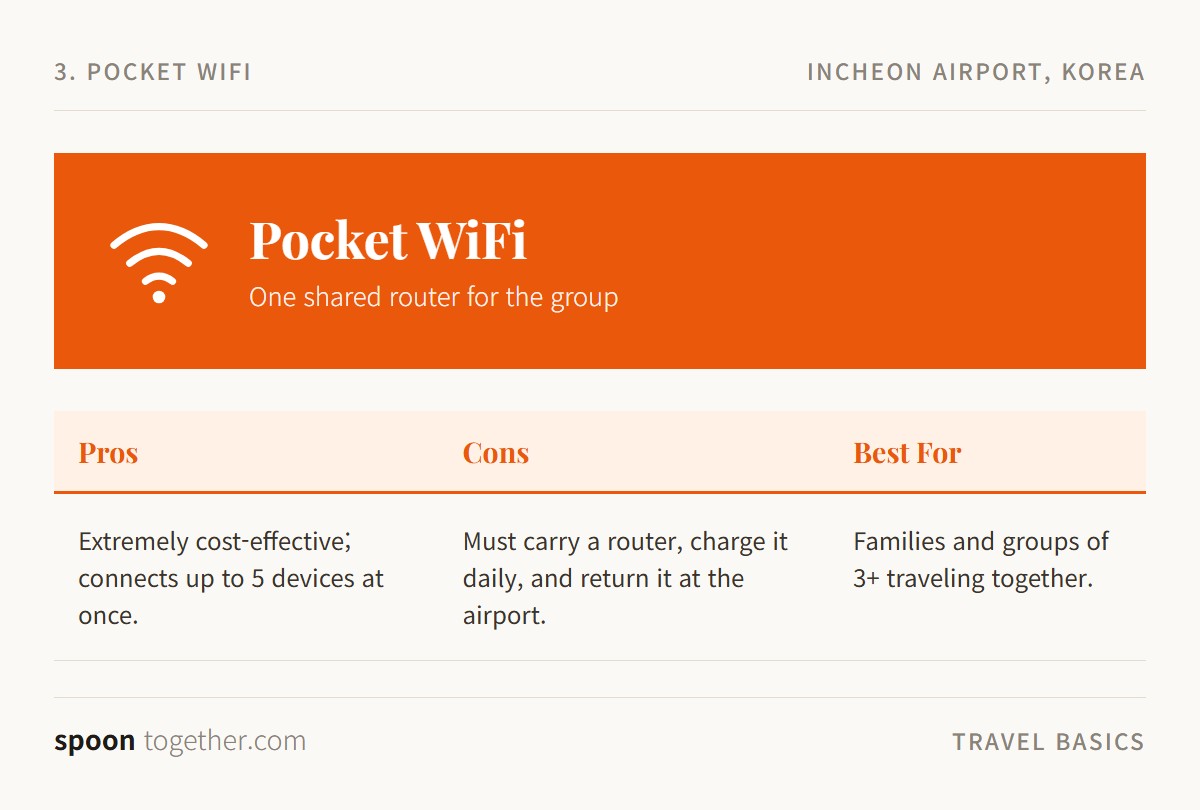
🚇 Supported Routes: Nationwide Coverage (Connects up to 5 devices simultaneously)
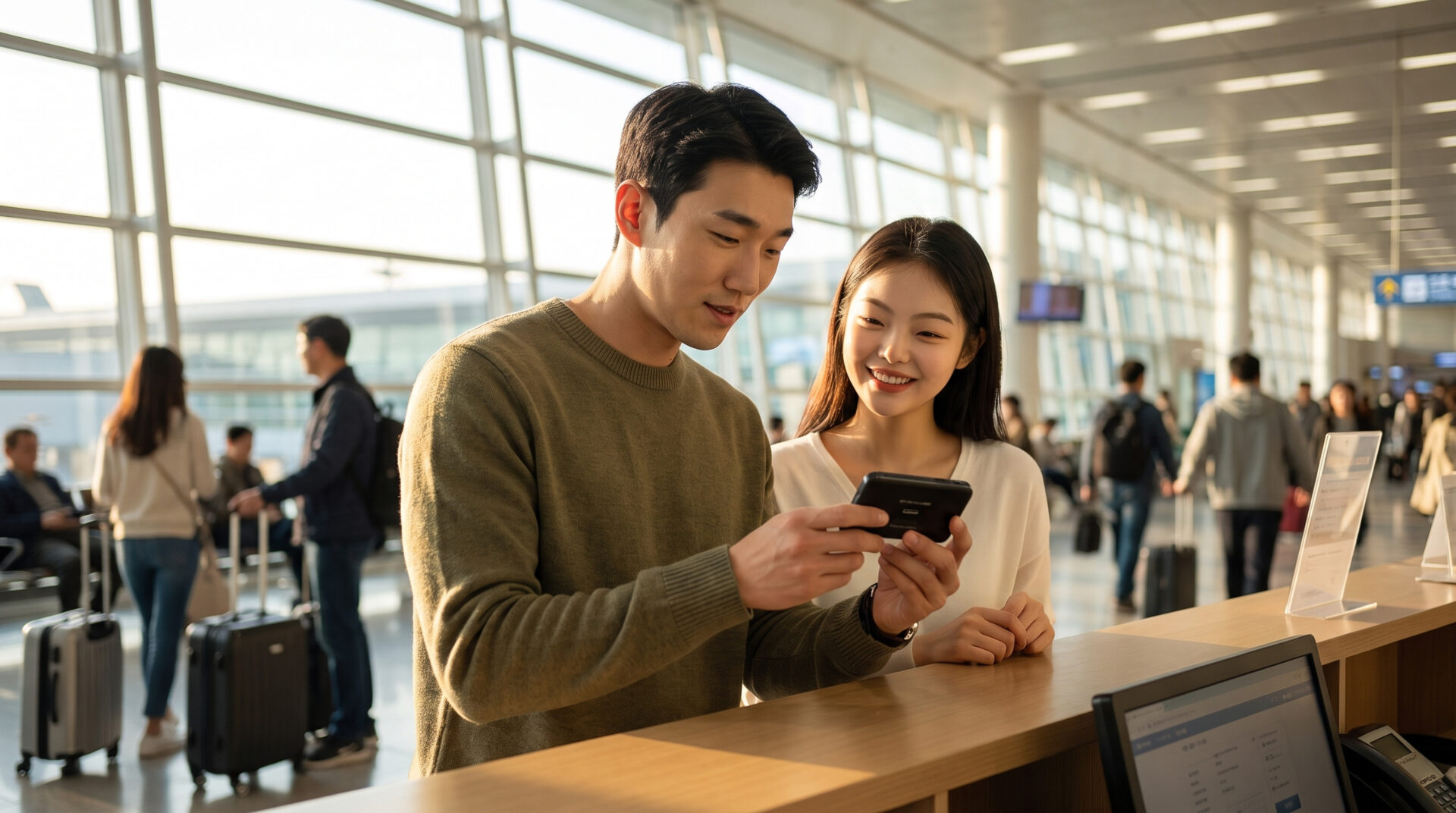
A Pocket WiFi is a portable, battery-powered router that broadcasts a dedicated internet signal for up to five devices simultaneously. You pick the physical device up at a designated telecom desk at Incheon Airport and must physically drop it off there before you leave the country.
When groups start researching pocket wifi vs USIM for family trip to Korea, the portable router almost always wins purely on cost-efficiency. Renting a unit is incredibly affordable, ranging from just 3,300 KRW to 4,400 KRW per day for unlimited data. Instead of buying four separate SIM cards for a family, you rent one single device and share the connection. It also helps save your smartphone’s battery life, since connecting to Wi-Fi requires less energy than pulling a 5G cellular signal.
There is a catch, though. The person holding the router controls the internet radius. If your group splits up—say, half the family goes cafe-hopping in Mapo while the rest browse cosmetics at an Olive Young—whoever walks away from the router immediately loses internet access.
The smartest strategy here is a hybrid approach. Rent one Pocket WiFi to cover the bulk of the group’s data usage, but buy one cheap data-only eSIM for a secondary group leader. This ensures everyone stays connected even if you wander down different streets.
| Feature | eSIM | Physical USIM | Pocket WiFi |
|---|---|---|---|
| Average Cost | ~27,500 KRW (5 Days) | ~27,500 KRW (5 Days) | ~3,300 – 4,400 KRW / Day |
| Best For | Solo travelers, tech-savvy users, light packers. | Foodies needing to use restaurant waitlist kiosks. | Families and groups of 3+ sticking together. |
| Biggest Pro | No physical card to lose; keep your home SIM active for bank texts. | Provides a crucial ‘010’ local phone number. | Extremely cost-effective; connects up to 5 devices. |
| Biggest Con | Requires an unlocked, modern smartphone. | You have to remove and store your home SIM card safely. | Must carry a router, charge it daily, and return it at Incheon Airport. |
Navigating the sprawling subway systems of Seoul or securing a table at a highly-rated barbecue joint requires reliable internet, but getting it sorted is wonderfully straightforward. Take a breath, grab an iced coffee once you clear customs, and pick the connectivity option that fits your travel style.
📶 Sort Your Connectivity Before You Land
Prefer to book your eSIM or pocket WiFi in advance? Browse Korea WiFi & SIM options and pick it up right at the Incheon Airport counter.
You Might Also Like
Discover more from spoontogether
Subscribe to get the latest posts sent to your email.

You May Also Like
How to Choose Between Seoul’s Climate Card, T-money, and K-Pass
Navigating Seoul Without Cash: WOWPASS vs Travel Wallet Compared for Travelers